KAP

Search the portfolio.

Quick links

KAP / MEDIA SHOWCASE

The work,
in view.

Product images, short visual overviews, and a closer look at the ideas behind the software.

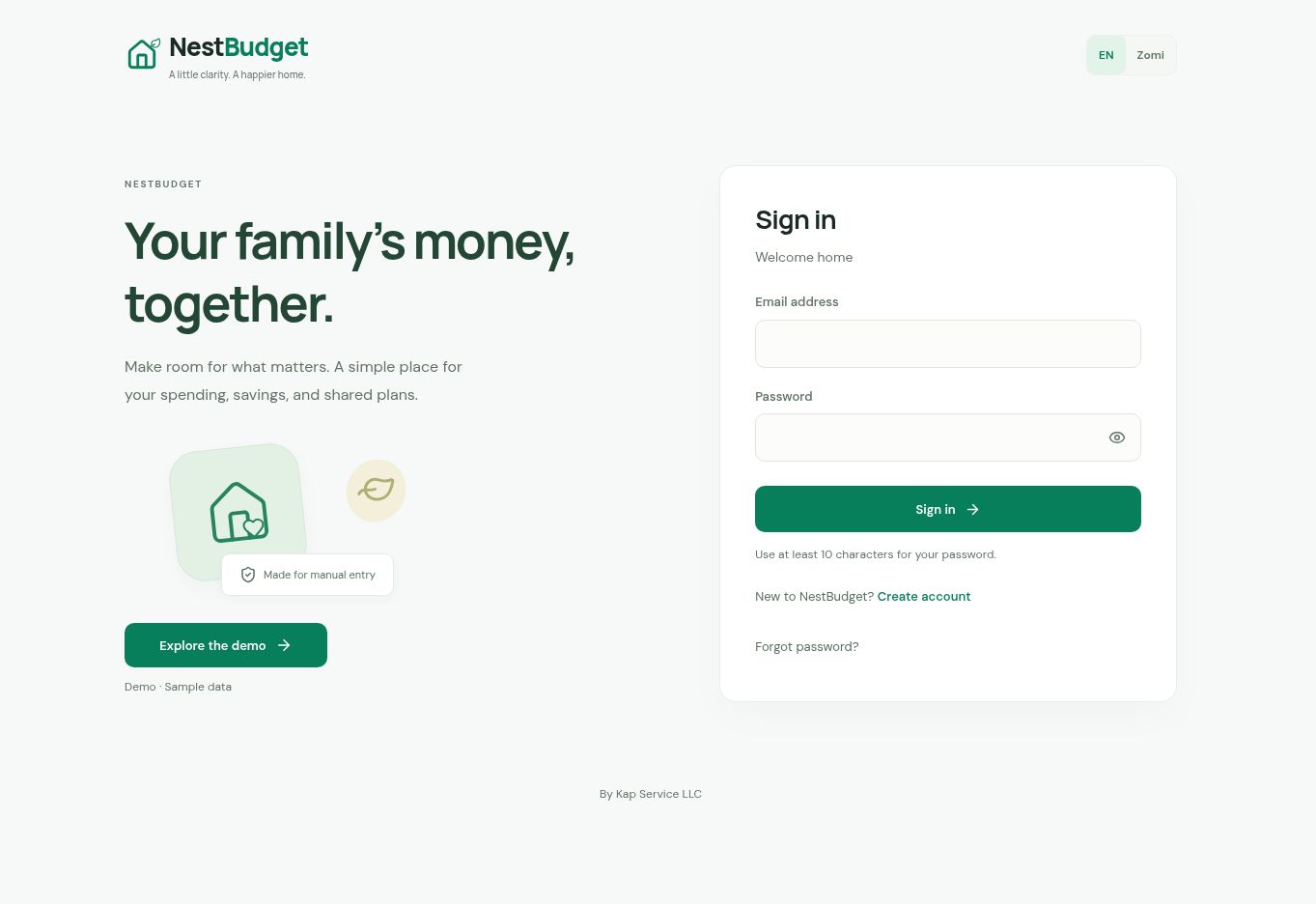
NestBudget’s actual application sign-in page and public demo entry.
THE ACTUAL APPLICATIONNestBudget

Sign in, or explore the public demo.

Open NestBudget

01 / PROJECT FILMS

Press play.
Get the context.

Two silent, 18-second overviews assembled from public product images. Use the player controls, or open a text transcript.

THE LIVE WEB APP00:18 · SILENT

NestBudget

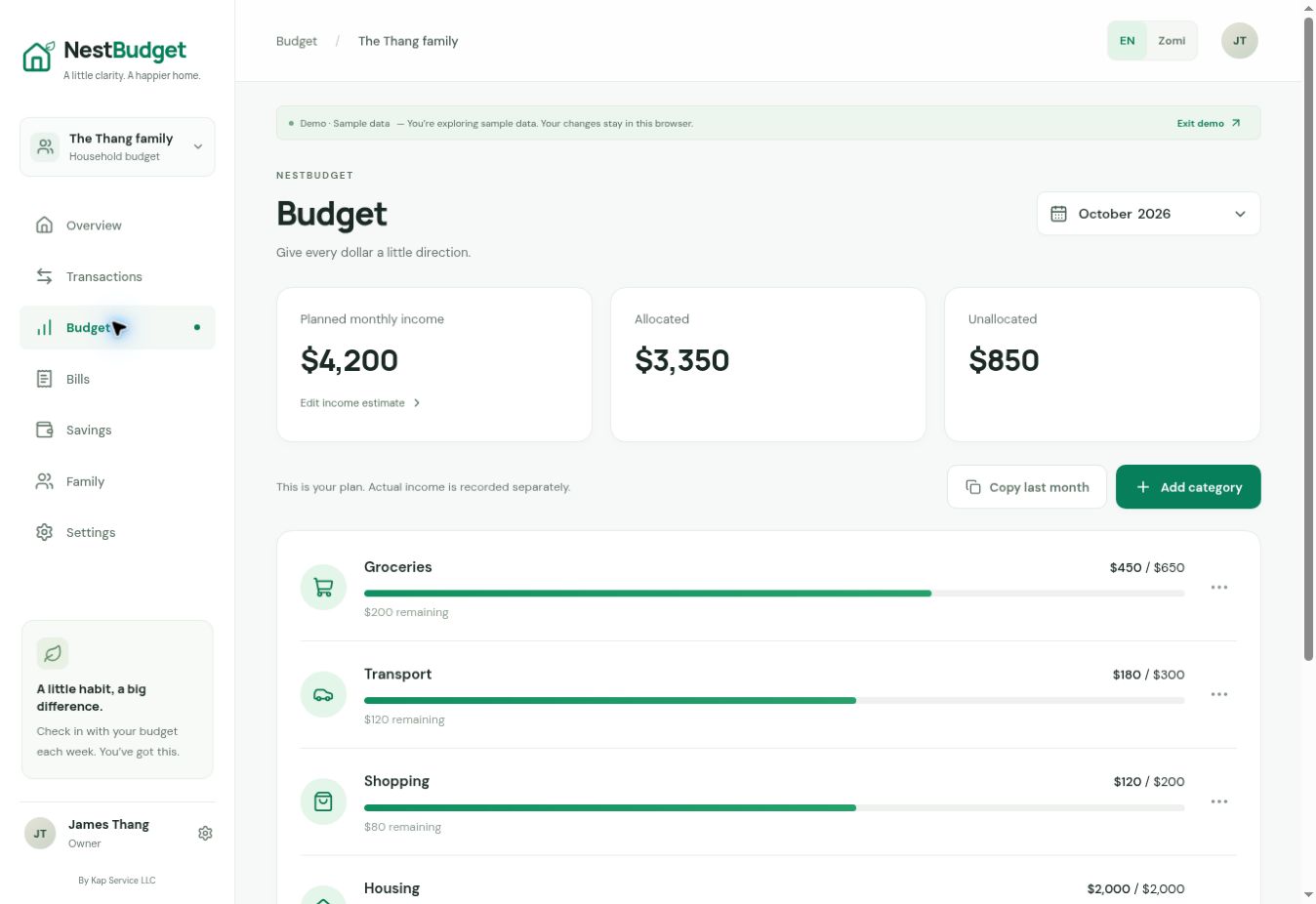
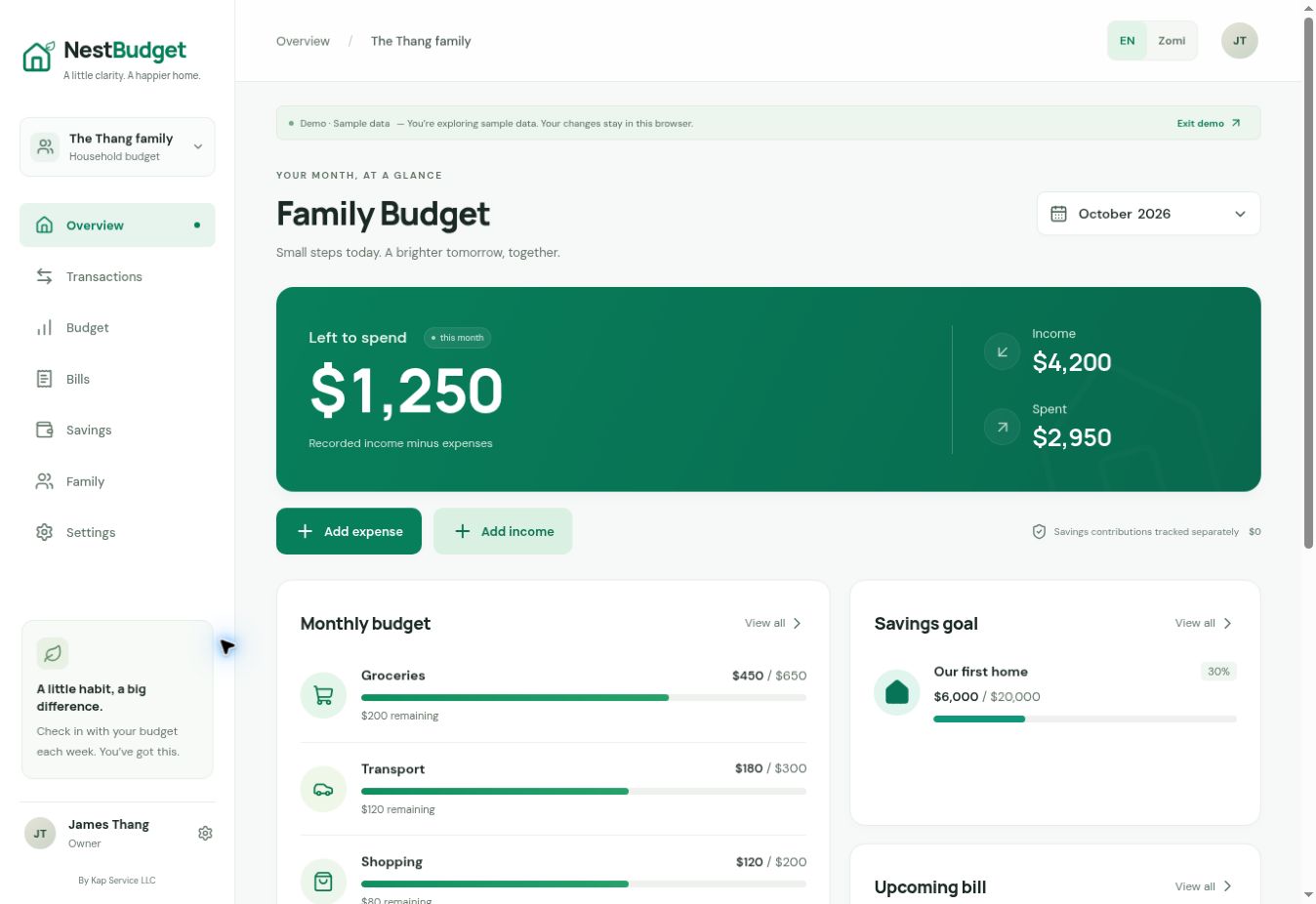
A closer look at the actual application: its sign-in page, the public demo dashboard, and the monthly budget view.

Visual overview assembled from public screenshots. Actual app screens; the demo uses sample data.

Read visual transcript
  1. 00–06s

    The actual NestBudget app entry page offers sign-in, English and Zomi language choices, and Explore the demo. Captured November 7, 2026.

  2. 06–12s

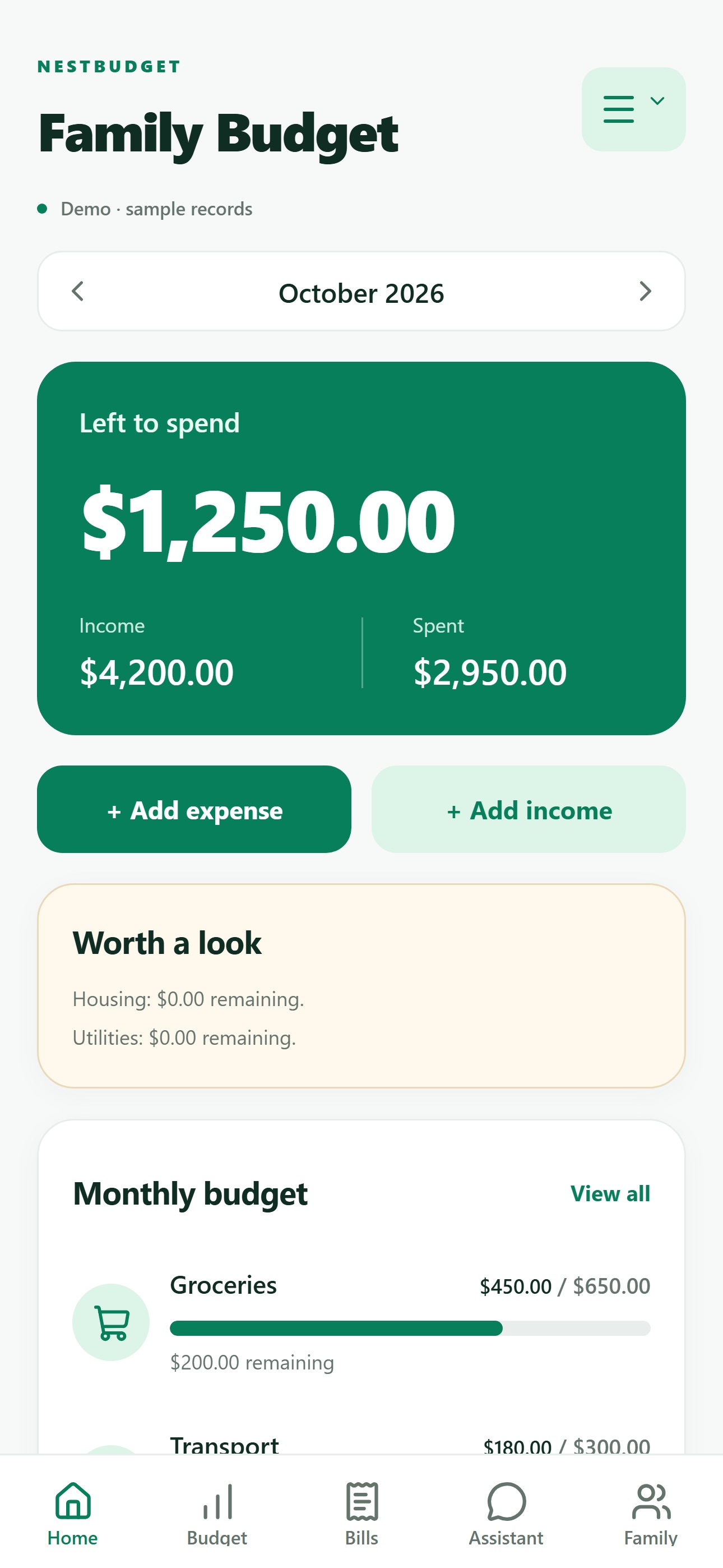
    The public demo dashboard shows sample household income, spending, monthly budgets, and a savings goal. The on-screen banner identifies it as demo sample data.

  3. 12–18s

    The public demo budget view separates planned income, allocated amounts, and unallocated funds. Category rows compare sample spending with the plan. These are screen captures, not a live recording or a demonstration of authenticated account behavior.
Download transcript ↓
DEVELOPMENT PREVIEW00:18 · SILENT

Hatlangh Beh

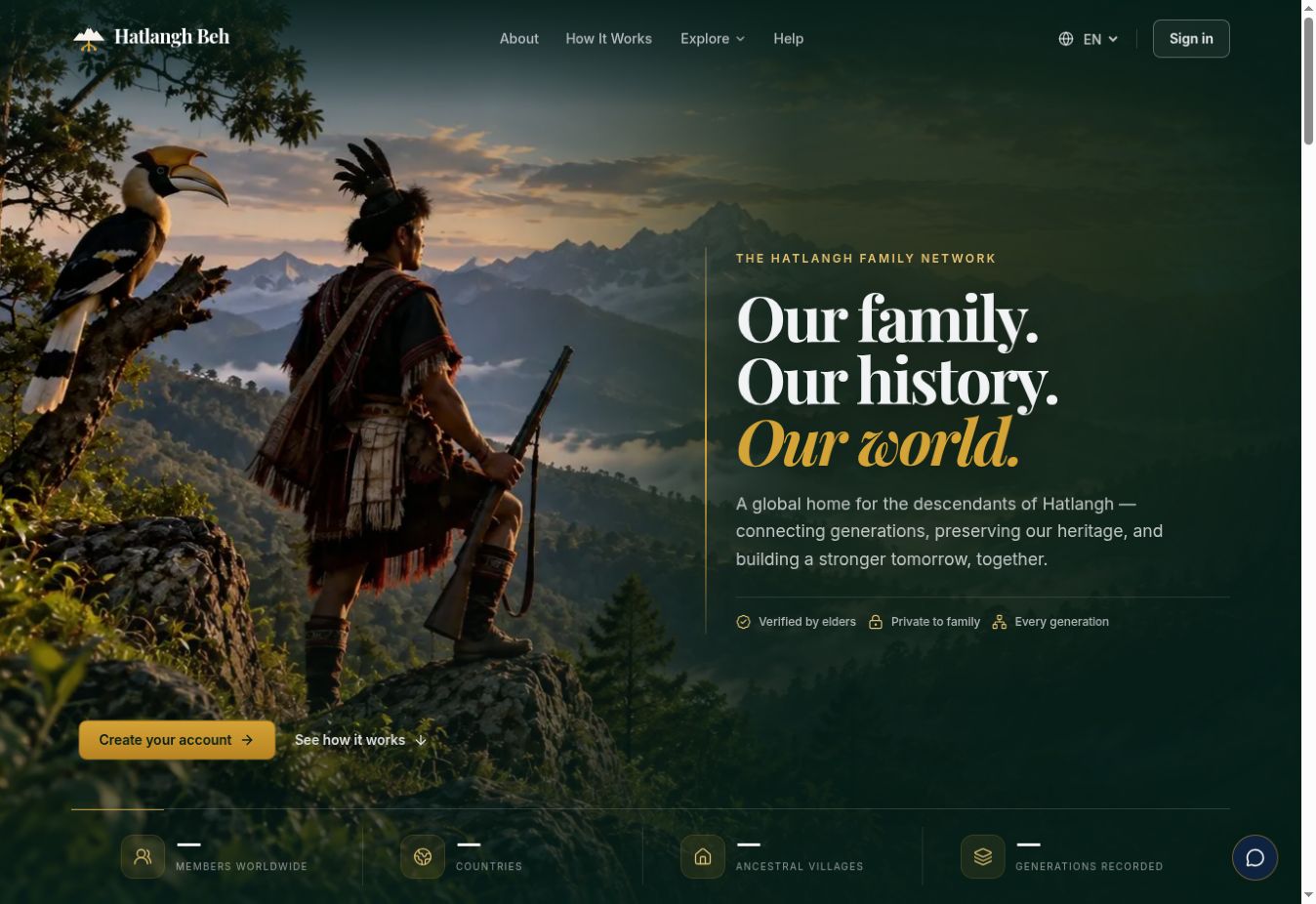
A visual introduction to the family and community project, with a focus on audience rules and the privacy of individual fields.

Visual overview assembled from public screenshots. Development preview shown.

Read visual transcript
  1. 00–06s

    The public Hatlangh Beh preview website introduces family connections, community, and heritage.

  2. 06–12s

    The project connects community and genealogy records. This overview uses a public website screenshot without demonstrating live interactions.

  3. 12–18s

    The case study examines who can view a record and which fields are visible. Selected source tests were reviewed, but not rerun.

Download transcript ↓

03 / SECURITY PRACTICE

A place to question
how systems work.

My personal home lab focuses on red team scenario development. This illustration represents that interest; the lab page explains the current scope.

Explore the home lab
Concept illustration of abstract computing modules and translucent boundaries in navy and teal.
AI concept illustration · not my actual lab.

THE ENGINEERING LENS

From the interface
to the decisions.

Three ways to read the work: understand its purpose, examine its boundaries, and follow the evidence.

01 / CONTEXT

Start with the workflow.

Household finances, family records, or field operations. Each project starts with people and the work they need to do.

Explore the projects
02 / BOUNDARIES

Ask who can act.

Look at ownership, roles, and field visibility. A useful interface also needs clear rules behind it.

See the security approach
03 / EVIDENCE

Trace the claim.

Connect a design decision to selected source evidence, with the limits of that review made explicit.

Review the references

LET’S CONNECT

Have a role or
project in mind?

I’d welcome a conversation about the work and where I can contribute.

Start a conversation