NestBudget
Web + iPhoneBudget, track spending, and plan together.
Open NestBudget Get the iPhone appDetails & links
Sign in to your household, or choose Explore the demo to try sample data.
app.nestbudget.sentricorex.com
Choose your workspace.
Budget, track spending, and plan together.
Open NestBudget Get the iPhone appSign in to your household, or choose Explore the demo to try sample data.
Family stories, genealogy, and community.
Open HatlanghThis is the hosted development preview. Family records require an account.
Your church’s shared workspace.
Open GraceHubChoose your church in the portal. Each workspace manages its own sign-in.
These checks show whether each app’s public page responds. Sign-in and private records are not tested.
Checking public entry pages…
Updated at most once per minute. A successful page response does not verify sign-in, database operations, or complete application health. App links remain available if a check fails.
Preview the web app. Budget figures are sample data.
Open NestBudget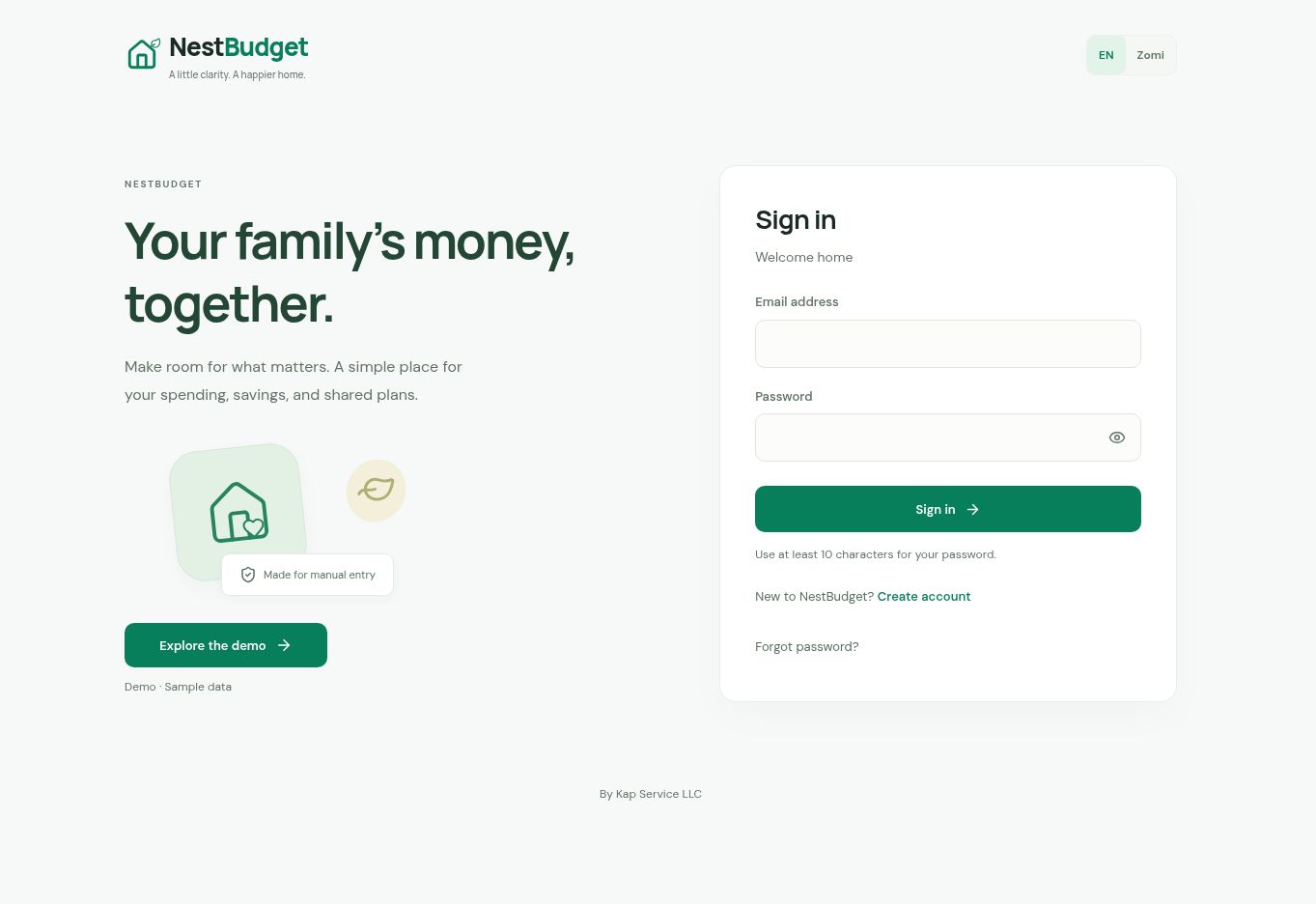
Sign in, choose English or Zomi, or explore the public demo.
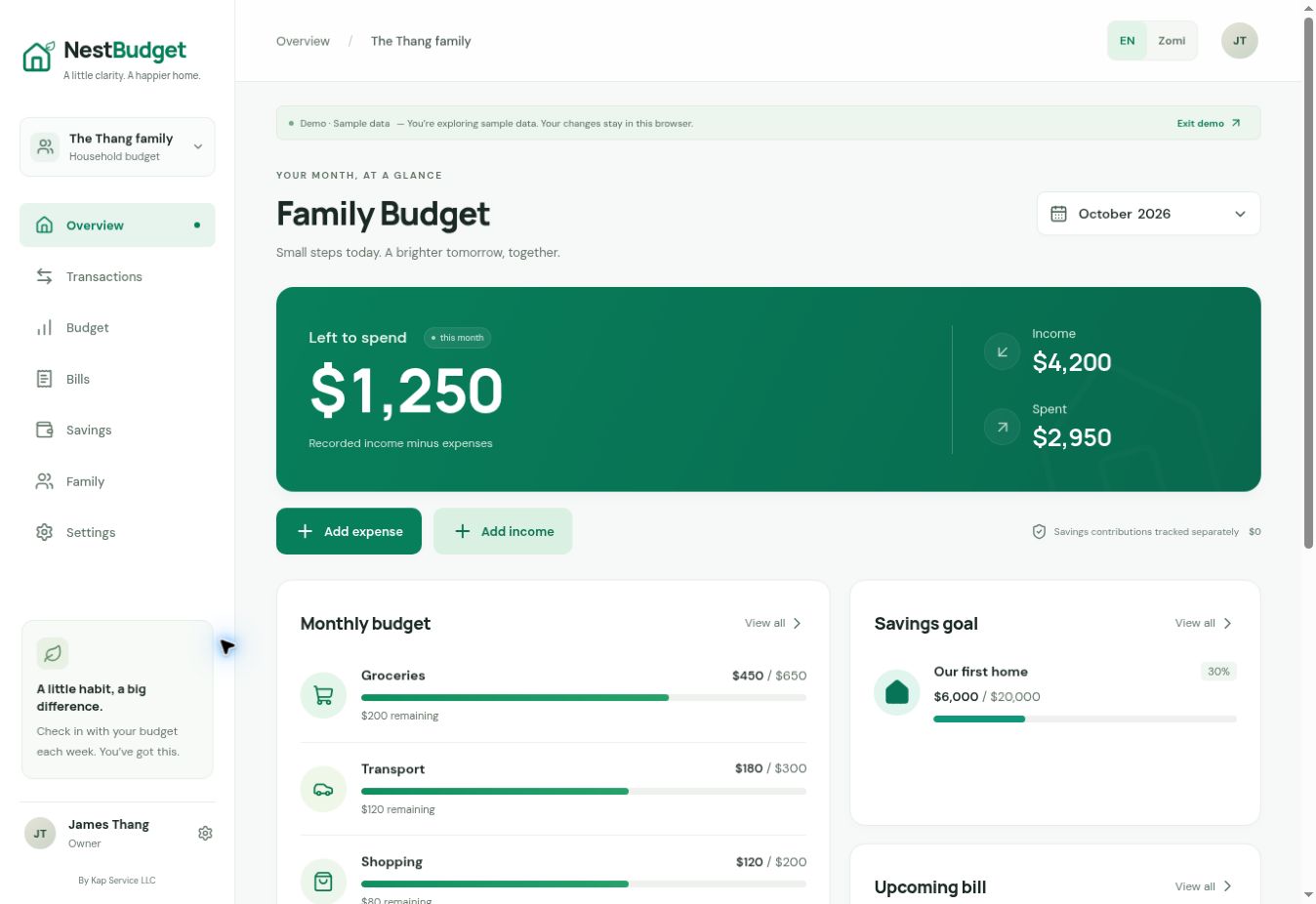
Income, spending, budgets, and a savings goal in one view. Sample data.
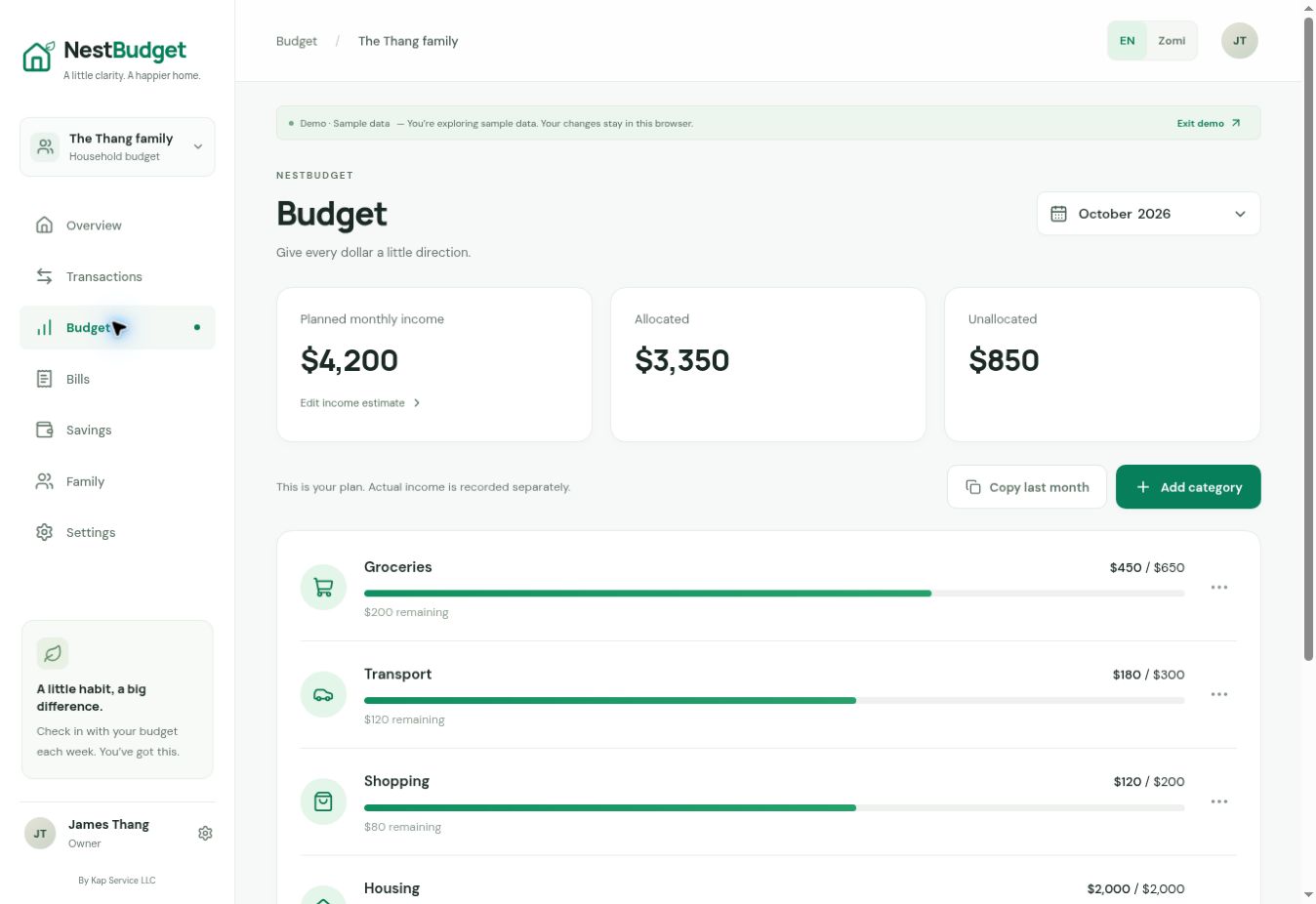
Compare planned income and category spending. Sample data.
In NestBudget, choose Explore the demo for sample data. Hatlangh requires an account. GraceHub starts with choosing your church.
Open NestBudgetAll three apps open in a browser. NestBudget also has an iPhone app.
NestBudget for iPhoneEach app has its own sign-in. This portfolio does not sign you in or transfer your account data.